

Free Adobe ZXP Installer Download for Windows
If you have used any of Adobe CC (creative cloud) based, then you are quite familiar with the struggle of adding extensions to the app. Here you will have an easier way to install, uninstall or download any third-party extensions on your Adobe CC applications by downloading the Adobe ZXP installer on your Windows.
Table of Contents
Why Adobe ZXP Installer?
It is clear as daylight that Adobe Extension Manager is no longer supported by the officials.
Adobe Extension Manager is an application used to download, install or uninstall extensions on Adobe products.
However, Adobe Extension Manager is no longer support by the officials. The last version of Adobe supporting Adobe extension was in Adobe CC 2014 which is quite a while.
Still, to solve problems experienced by the users with extensions, a very new app called “ZXP installer” is brought.
ZXP installer is an open-source application and is a replacement for the Adobe Extensions Manager. The application is cross-platform supported. In simple words, ZXP is supported by both Windows OS and macOS.
In extensions support, MXP type extensions were/are not supported by Adobe Extension Manager. Unlike Adobe extension manager, ZXP fully supports MXP extensions. In Adobe extension manager, the only way to use MXP extension was to convert them with the “Convert MXP extensions to ZXP” tool which was normally found in the Tools menu in Adobe Extensions Manager CS6.
Adobe ZXP Installer Download
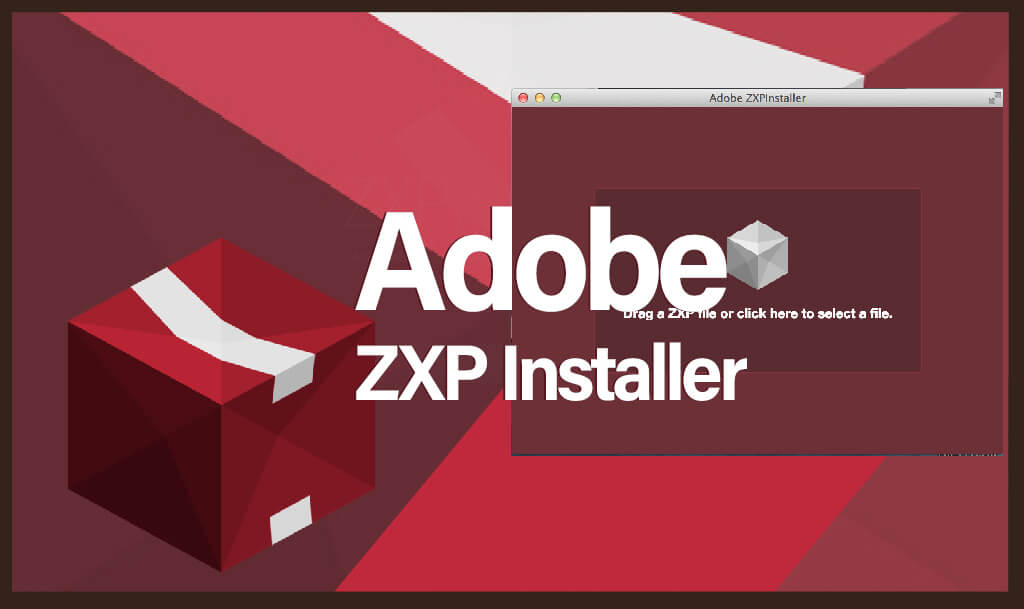
By the direct links given, you can download Adobe ZXP Installer for your Windows. The setup is provided by the official and is safe from any kind of the threat that might harm your system. Click on the direct links and download the setup file from the officials library for your Windows.
Requirements for Adobe ZXP
To run the Adobe ZXP installer on your system your systems need to be at least a Pentium 4 or AMD Athlon. The application support only 64-bit systems and can be used on operating systems from Windows 7 to Windows 10.
1 GB RAM is enough to run the application. 1024×768 (1280×800 recommended) screen resolution with a 16-bit video card is also recommended.
Compatibility of ZXP installer
Adobe ZXP Installer is compatible with:
- Adobe Photoshop CC
- Adobe Illustrator CC
- Adobe After Effects CC
- Adobe Lightroom CC
- Adobe Acrobat Pro DC
- Adobe Acrobat XI Pro
- Adobe Indesign CC
- Adobe Premiere Pro CC
- Adobe Deamviewer CC
- Adobe Audition CC
- Adobe Animate CC
- Adobe InCopy CC
- Adobe Bright CC
- Adobe Muse CC
- Adobe ColdFusion CC
- Adobe Connect CC
- Adobe Encoder CC
- Adobe Story CC
- Adobe Frame Macker
- Adobe Live Motion CC
- Adobe Captivate CC
- Adobe Spark CC
- Adobe RoboHelp CC
Review on ZXP Installer
In comparison to Adobe extension manager and Adobe ZXP installer, I would personally support ZXP installer. As ZXP is an open-source application which means that we have the option to know the app both from the front and back end.
We can review the code and know about the changes in each step. As the application is open source, so the threat of being hacked or contaminated with viruses can also be put aside.
ZXP is free of cost and is fully compatible with any Adobe product. With all the features that Adobe Extension manager provides, ZXP does the same with the option to open ZXP extensions too.
How to Install Adobe ZXP Installer on Windows?
First, you will need to download the Adobe ZXP installer from the links given above.
- Then you will need to unzip it and run it as admin. Right-clicking on the app will open the option to run it as admin.
- Now open the ZXP installer. Inside the installer download the extension and install it on your application. The process is simple and easy so, we have skipped that section.
- Once the extension is installed, restart your application and use your newly installed extension.
- To uninstall an extension, you can follow the same process.
Do I need any CK file?
Questions might arise in your mind. Is there any crack file of Adobe ZXP installer to install it on Windows? Well, no there is no crack file for the Adobe ZXP installer, nor you need any.
As ZXP is an open-source application, so it is completely free of cost and requires no activation.
Adobe ZXP Installer Download for Windows

File: ZXPInstaller-master.zip
Size: 150 MB
Program class: Extension Installer
Language: English
Released: 30 Oct 2015
Setup type: Offline Installer/ Full Standalone setup
License: Trail
Developer: Open Source

