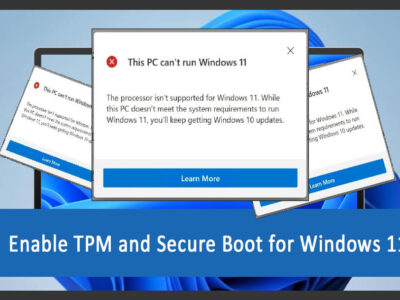
“This PC can’t run Windows 11” is one of the most common errors experienced during the installation of Windows 11. Here is how to Enable Secure Boot and TPM for Windows 11?
HKDSK (check disk) is one of the most efficient ways to ensure that all the hard disks are working well. Here is how to use chkdsk commands on Windows 10.
Time by time your system will get slower, and soon you will experience errors with your hard disk. So, here is how to repair hard disk errors on Windows 10.
Here are direct links to download Regsofts Registry Repair for your Windows. The setup file is in a standalone offline installer and needs no activation.
From the direct link given, you can download Windows 11 compatibility tool for free. The tool will help you to meet the system requirement to install Windows 11.
While upgrading or installing Windows 11 on your system, one thing that is asked as compulsory in system requirements is TPM availability. Well if they have 4 GB of RAM memory then you can bypass TPM 2.0 while installing Windows 11.
Since Windows 11 is not compatible with most of the systems, it became quite a challenge for many to install it on their system. Still, for those who want to try Windows 11, here are tools to check Windows Windows 11 compatibility.